Well, I couldn’t agree anymore. With that spirit in mind, this month I have a diverse array of plugins for your delectation.
I’m confident that you’ll find something of interest within the list
below, and perhaps even something that is perfect for your WordPress
website.
With everything from quizzes to social media to crowdfunding and more covered, you’d be crazy not to take a look. Enjoy!
10. Alpine PhotoTile for Instagram

Instagram seems to be getting more and more popular, which of course
leads to more WordPress plugins. However, Alpine PhotoTile is worth a
mention due to its simple nature and handy feature set.
As you would expect, the plugin enables you to display Instagram
photos within your WordPress blog — more specifically, via a sidebar
widget or in a post or page using a shortcode. You can select what
photos to display by user or tag. There’s also a caching feature which
should help with load times.
9. WP User Avatar
For reasons beyond my understanding, WordPress only allows profiles
to use Gravatar avatars. WP User Avatar resolves that issue by allowing you to set custom avatars per user and also a custom default avatar (if a use doesn’t have one).
This is especially useful for multi-author blogs where your writers
may not have a Gravatar account. What is easier — telling them to set up
a Gravatar account linked to their email address, or just asking them
to upload an image to the blog?
In reality this feature should be included within the WordPress core, but in the meantime WP User Avatar does a fine job.
8. WP Pro Quiz
When it comes to blogging, interactivity is the name of the game. And
what better way to interact with your readers than offer them a quiz?
With an impressive 31 five star ratings, WP Pro Quiz is an excellent
option if you want to test your readers’ knowledge (or get feedback from
them).
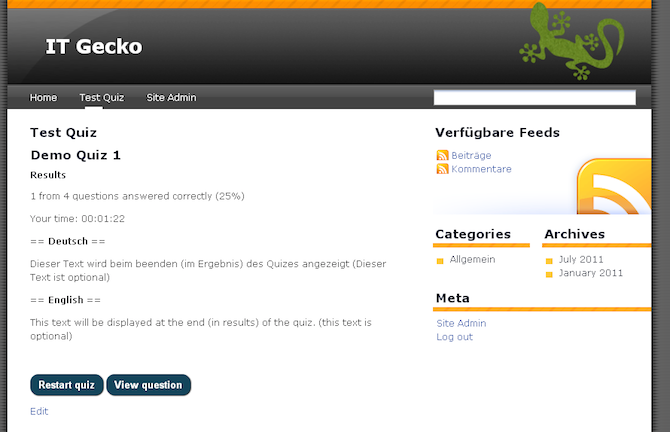
It is clear that this plugin has been conscientiously designed, which
is a good thing given that plugins of this nature are not exactly
common. As far as I am aware, this is the solution when it comes to creating quizzes on your WordPress blog.
7. Related Posts by Zemanta
Related posts plugins are a dime a dozen, but I do like to throw the
occasional new offering in the mix to keep you on your toes. Having said
that, Related Posts by Zemanta isn’t just here to pad out the list — it
is an excellent option for displaying related posts in its own right.
The default theme is clean and simple, yet attractive…

…but the real beauty of this plugin is on the backend. It comes
packaged with realtime statistics such as page views and clicks, and of
course features Zemanta’s proprietary matching algorithms which claim to boost page views by 10%.
6. Social Media Feather
Just like related posts plugins, there are more social media plugins
out there than I can count. However, Social Media Feather is definitely
worth a mention due to its stripped down and simple approach to social media sharing.
Complicated features are thrown out the window and this plugin leaves
you with just barebones functionality. That may sound like a bad thing
but I am a huge fan of lightweight plugins and think that the developers
have done a great job here.
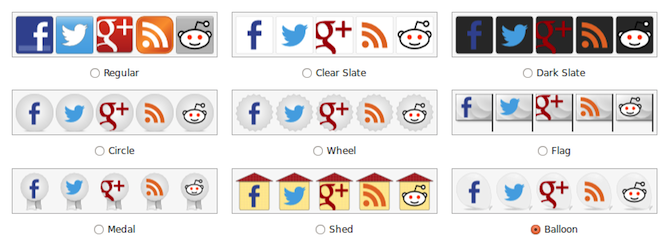
With twenty-seven five star ratings, they’re obviously doing something right.
5. Easy Watermark
Adding watermarks to images on your blog can be an effective way of
protecting them from copyright infringement. This is especially
important if your blog’s value is defined by your images — for instance
if you are a photographer or artist.
Easy Watermark is a simple plugin that can automatically add watermarks to your images
(JPG, PNG or GIF) when they are uploaded. You can choose the text that
is used along with the alignment, opacity, offset and scale:
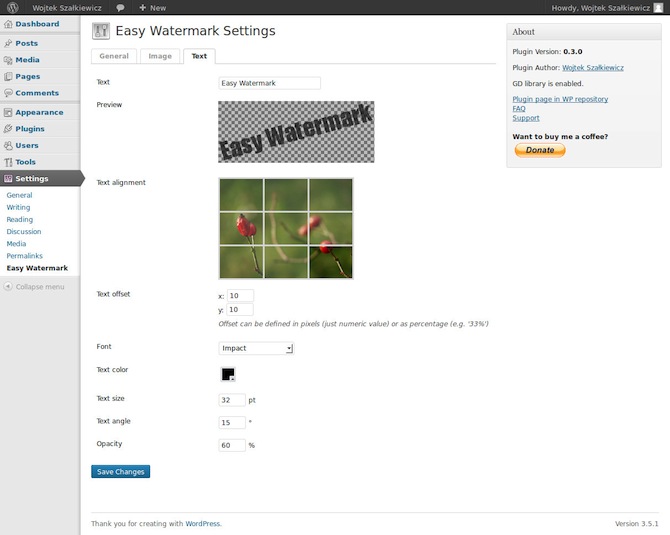
Furthermore, you can use the plugin to apply watermarks to all existing images on your blog.
4. Styles
This plugin takes the theme customizer feature and puts it on steroids. It is an awesome option for WordPress beginners at it makes customizing multiple aspects of the default themes extremely simple.
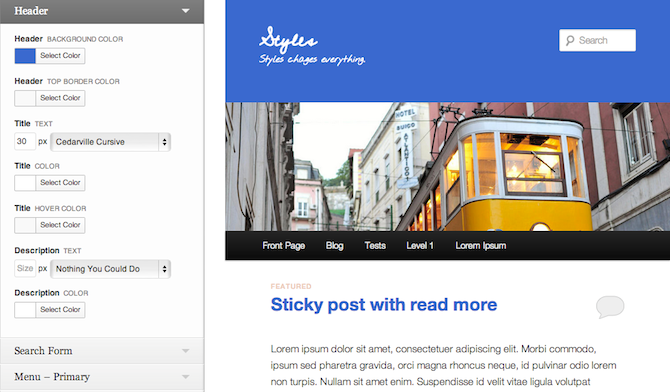
You can change everything from the font (including Google fonts) to
borders and backgrounds, all with an instant preview that you can
approve or discard.
3. WP External Links
Whether or not to open external links in new tabs is a debate that will never be resolved, but if you do
like to do it then WP External Links is worth considering. Not only
does it automatically open external links in new tabs, it also enables
you to “nofollow” external links, add icons to them, and many other
features.
Although it may seem on the surface that this plugin offers only basic functionality, there is a lot more to it than meets the eye. If you are keen to keep visitors on your site then you should check out the features that WP External Links has to offer.
2. Customer Area
If you tend to share personal or confidential information with
customers and/or clients then Customer Area could make your life a lot
easier. This plugin enables you to create pages on your WordPress website where logged in visitors can access files securely.
The potential uses for this plugin are myriad — I like the invoicing example below:
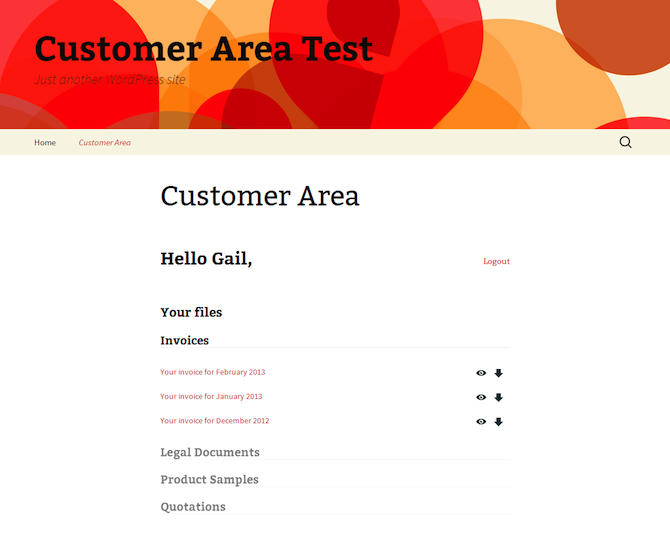
But as you can see from the above screenshot, you could also use it
to share quotations, product samples, legal documents, and more. In
effect, you can create a website that serves as a central online
repository for your business documentation. Very cool.
1. Crowdfunding
Unless you’ve been hiding under a rock for the past several months, you have probably heard of the Kickstarter platform — the crowdfunding platform that has been used to launch projects such as Ghost – an up-and-coming blogging platform to rival WordPress.
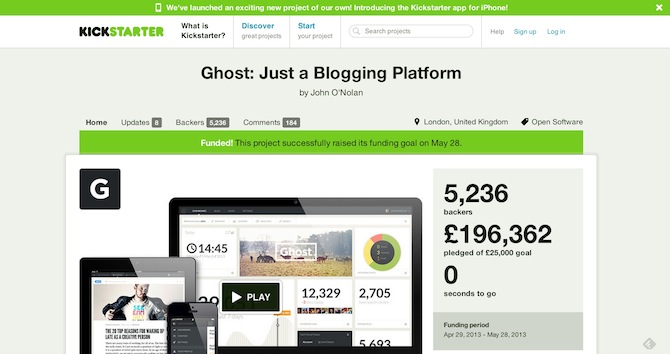
Well, the Crowdfunding plugin seeks to emulate the Kickstarter model but enables you to make it your own.
It integrates with the superb Easy Digital Downloads plugin seamlessly
and gives you a way to seek financial support for your project direct
from your own website.


No comments:
Post a Comment